Customize Theme
Landup comes with an advanced setting panel that is loaded with options. We have the options organized into logical tabbed sections, and each option has a description of what it will do on the front end. Because of the sizable amount of options Landup provides, we cannot go over them in full detail here in our documentation. We encourage you to please take some time and navigate through each tab to see what we offer. Go to Appearance >> Customize in the Dashboard on admin sidebar to access the setting options.

See below for screenshot of our Customize panel.
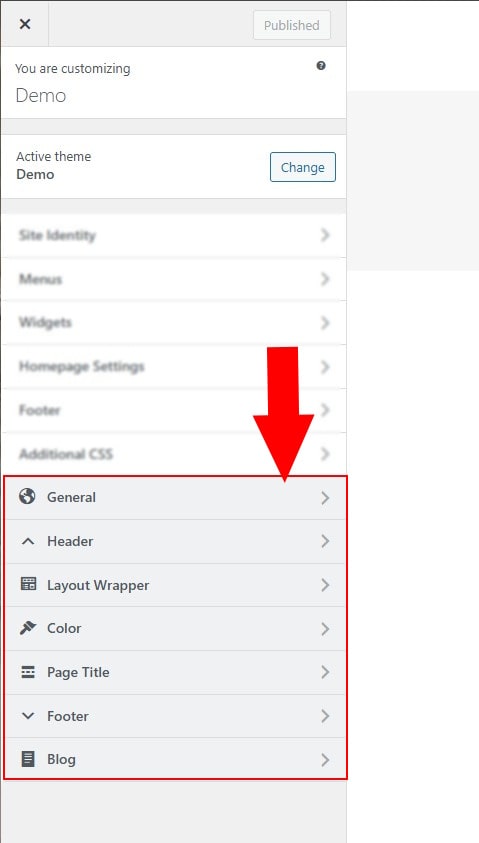
The image below provides an overview of the Customize Theme panel, which includes various tabs for configuring different sections of the theme. For detailed instructions on each tab, please refer to the articles under the Customize Theme group in the sidebar navigation.
Page Settings
Specific Customization for single page in Page >> Add New >> Page Settings
