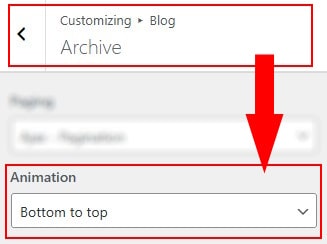
- In Dashboard Admin, Navigate to: Appearance » Customize » Blog » Archive
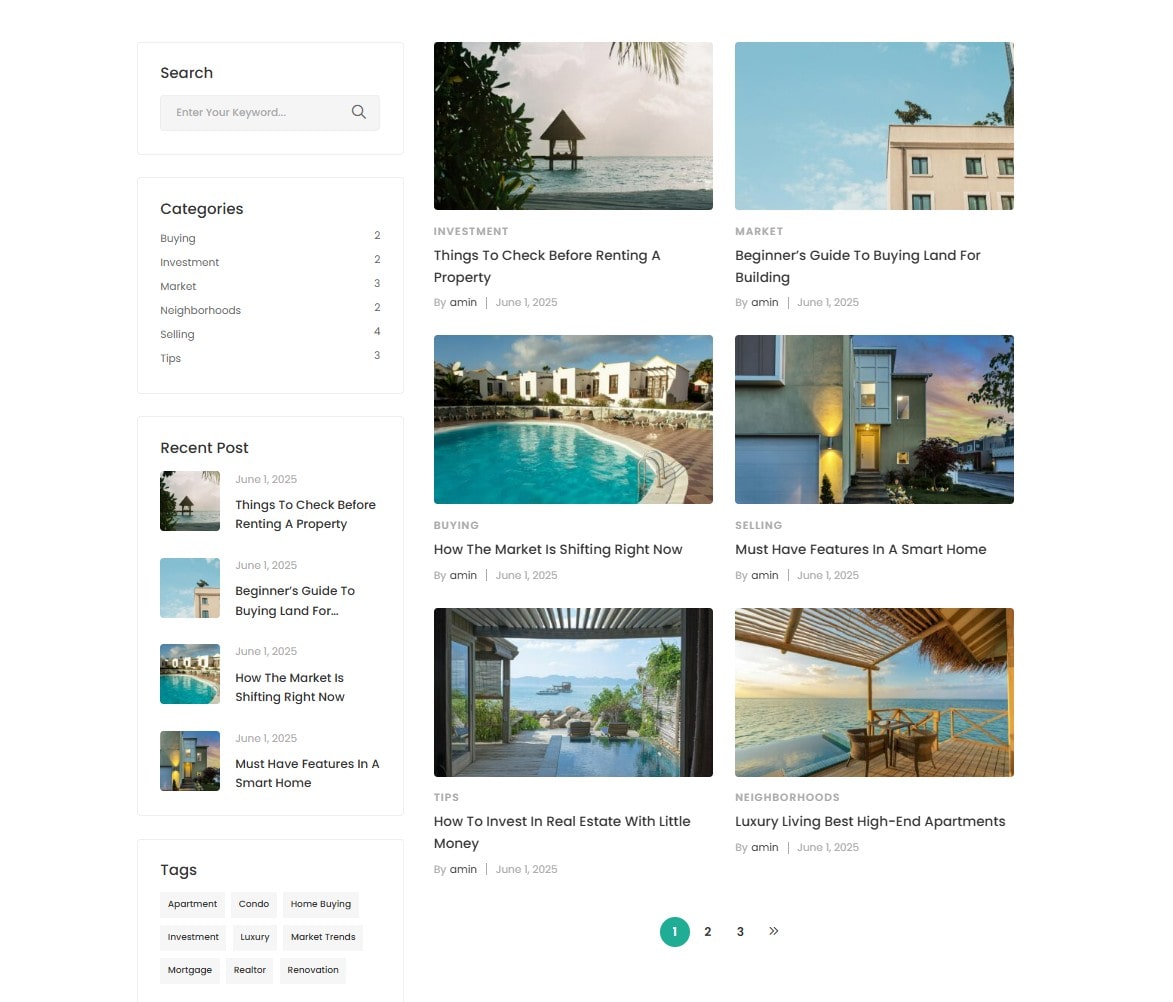
How to Configure the Blog Listing Layout
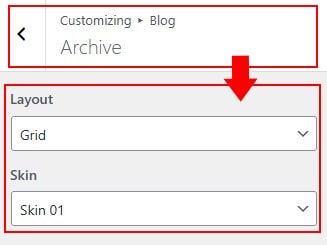
- Layout: Select the overall structure for displaying blog posts, such as grid, list
- Skin: Define the structure and layout style of each blog post item within the list or grid.
How to Configure the item Blogs

- Show Excerpt: Display a short summary under each blog post title in the listing.
- Gutter: Set the spacing between blog post items in grid or list layout.
- Image Size: Choose the image size used for blog post thumbnails.
- Image Ratio: Only available when Image Size is set to "Full". Define the width-to-height ratio of the post thumbnail. Example: 2×1 (Width × Height).
- Post Per Page: Set the number of blog posts to display on each archive page.
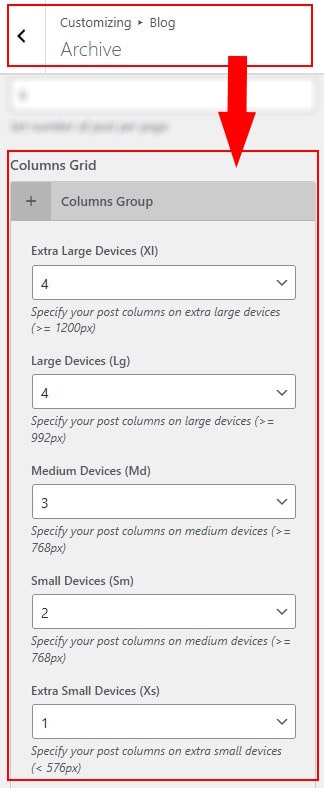
How to Configure Columns Grid for Blog Layout
Set the number of columns per row for each device
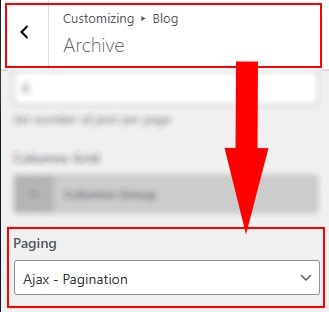
How to Configure Blog Pagination
Choose how users navigate between blog archive pages
How to Add Animation to Blog Items
Apply entrance animation to blog post items when they appear in the viewport.